Header logo
Fast Availability
Products
Showrooms
BeOak PRO
About us
 

Get updates on new arrivals

footer logo
icon PinterestPinteresticon FacebookFacebookicon InstagramInstagramicon LinkedInLinkedIn

About us

  • Our Story
  • Materials
  • Care Instructions
  • Transport, Delivery & Installation
  • Blog
  • Showrooms & Partners
  • Career at Javorina

Need help?

  • FAQ
  • Contact Us
  • Buy-back Program
  • Furniture Renovation
  • Terms & Conditions
  • Privacy Policy
  • Cookie Policy
  • Claim / Return

BeOak PRO

  • Become a Member
  • Catalog

Address

BeOak by Javorina, Production Cooperative

Továrenská 29

059 01 Spišská Belá

SLOVAKIA

+421 908 818 778

shop@javorina.com
efrr logo

© BeOak by Javorina, výrobné družstvo 2026

Log in
  • A-BOARD | Digital Signage Display
  • A-BOARD | Digital Signage Display
  • A-BOARD | Digital Signage Display
  • A-BOARD | Digital Signage Display
  • A-BOARD | Digital Signage Display
  • A-BOARD | Digital Signage Display
  • A-BOARD | Digital Signage Display
  • A-BOARD | Digital Signage Display
  • A-BOARD | Digital Signage Display
  • A-BOARD | Digital Signage Display
  • A-BOARD | Digital Signage Display
  • A-BOARD | Digital Signage Display
  • A-BOARD | Digital Signage Display
  • A-BOARD | Digital Signage Display
  • A-BOARD | Digital Signage Display
  • A-BOARD | Digital Signage Display
  • A-BOARD | Digital Signage Display
  • A-BOARD | Digital Signage Display
  • A-BOARD | Digital Signage Display
  • A-BOARD | Digital Signage Display
Tech

A-BOARD

Digital Signage Display

from €2,350

€1,911 excl. VAT

Customize
Order free samples with the discount code FREESAMPLES.
    5 years warranty
    Made from solid oak
  • Characteristics
  • Materials

A freestanding digital display for spaces that care how things look. The oak frame holds a 43" Samsung commercial screen at eye level, ready for retail floors, hotel lobbies, showrooms and reception areas. At 18.9 kg it moves easily between locations, yet the hinged steel spine keeps it stable on any flat surface.

It arrives fully assembled. Plug it in and play content from a USB stick within seconds — no software, no account, no installation. When you need more control, connect over Wi-Fi or Ethernet and manage the screen remotely through Samsung VXT. One display or forty, updated from anywhere.

Not sure what goes with A-BOARD?

What finishes and materials can I choose for A-BOARD?What does A-BOARD cost in my configuration?How long is the delivery time for A-BOARD?What goes well with A-BOARD?
Ask Oakie

Your design

Surface Finish: Natur

Characteristics

  • 43" Commercial-Grade Samsung 4K UHD Panel: ultra-sharp image quality in 3840 × 2160 px resolution (supports both portrait 9:16 and landscape 16:9 setups), rated for continuous daily operation, 24-month warranty
  • Solid oak frame, 28 mm: rounded profile shaped on 5-axis CNC machinery, finished in natural oils
  • Delivered fully assembled: unpack, position, connect to power; no tools required
  • Three ways to run content: USB plug & play, HDMI input, or remote management via Samsung VXT
  • Stable and portable: black steel hinge, 620 × 430 mm footprint, 1 m power cable

Materials

Frame

Solid European oak, 28 mm profile, shaped on 5-axis CNC machinery for the rounded edge and clean corner detail. Surface treated with natural oils. Oak sourced from certified forests, from trees aged 80 to 100 years.

Display

The commercial Samsung screen is safely embedded within the wooden structure and protected by tempered glass for durability in high-traffic environments. Commercial-grade panel, 43" diagonal. Visible area 529.2 × 940 mm, portrait orientation. Power consumption 121 W. Connectivity: USB, HDMI, Wi-Fi and Ethernet. Compatible with Samsung VXT content management for scheduling and remote updates across multiple screens.

Structure

Black powder-coated steel hinge and internal support. Single-sided configuration.

  • Maintenance and Care
    • Wooden Frame: Wipe dust using a dry or slightly damp cloth. Apply natural oak wood once a year to maintain its luster.
    • Samsung Screen: Clean strictly using a microfiber cloth and specialized LCD/LED screen cleaners. Do not use harsh solvents or abrasive cloths.
    • Placement & Safety: Designed for indoor and covered outdoor environments. Keep away from direct continuous rain, extreme frost, and high humidity. Always unplug from power before cleaning.
  • Assembly and installation
    • Getting Started: Place the stand on a flat surface and fully extend the rear support leg. Plug the power cord into a socket.
    • Option 1 — USB Playback (Simplest): Save your images (JPEG, PNG) or videos (MP4, MOV, AVI) onto a USB drive. Insert it into the USB port; the screen will automatically detect files and start playing in a loop.
    • Option 2 — Samsung VXT (Remote Cloud Management): Connect the panel to Wi-Fi or Ethernet (RJ45 port). Visit vxt.samsung.com to create a free account, add your device, and remotely schedule content or design layouts using Samsung Canvas.
    • Connecting Other Devices: Plug any laptop or mini PC into the HDMI port, or connect wirelessly to mirror smartphone content directly.
    • Practical Notes: Designed for 24/7 operation. You can set automatic power-on/off schedules in the VXT settings.

Leo Čellár

Designer

designer image

Leo Čellár is a renowned Slovak designer who has been defining our creative direction since 1997. Under his leadership, our team has established a high standard in using advanced technology to process predominantly oak wood into sophisticated design solutions. For over twenty years, Leo has excelled in the dual roles of chief designer and engineer, dedicating his work to the pursuit of enduring quality that has become the timeless hallmark of our brand.

5 years warranty

For nearly 80 years, BeOak has stood for quality. We offer comprehensive warranties to match our enduring legacy.
superior services

FAQ

  • What colour finishes are available?

    All of our pieces are sealed with a linseed-oil & natural-wax blend (oil-wax). Here is an overview of our finishes, divided by whether they are included in the standard price or available for a surcharge:

    Standard finishes (included)

    • Natur – clear, highlighting the natural beauty of the wood.
    • White – tinted white for a lightened look.
    • Chocolate – rich cocoa-brown tint.

    Finishes with surcharge

    • Brown – warm brown tone.
    • Coffee – deep coffee-brown tone.
    • Dark Grey – subtle grey-brown tone (only available for registered logged in users).

    💡 Tip: Oak naturally takes on a deeper tone over time due to UV light and oxidation. A light re-oiling every few years refreshes the colour and maintains protection.

  • Can I purchase samples?

    Yes. You can order samples of all our surface finishes and upholstery fabrics here.

  • Is custom manufacturing possible?

    For larger orders and complex interior projects, we can manufacture custom products at the customer’s request.

    Please consult our expert representatives to discuss your individual needs and possible solutions.

    In most cases we rely on our proven standard range. Any custom design is subject to a feasibility assessment. Our broad expertise has enabled us to deliver complete interior fit-outs for both residential and commercial spaces in recent years.

  • How is the product assembly carried out?

    Products such as chests of drawers, chairs, and TV cabinets are delivered assembled. Beds, tables, and coffee tables are delivered unassembled. However, their assembly is very simple - usually only four screws are needed (see installation). The products are packed in five-layer paper carton with special corner protection.

    We are happy to arrange assembly and installation for you with our own professional team, who will take care of delivery, carrying, assembly, and of course cleaning up all the packaging and so on.

    Details can be found on the Transport, delivery and installation page.

  • Where can I find 3D models?

    3D models are available to architects and interior designers upon login via our undefined PRO platform. You’ll find the model files directly on each product page.

  • How to Import FBX Models into SketchUp

    SketchUp does not support FBX files by default. There are two main options to work with FBX models:

    1. Using a plugin

    The easiest solution is to use an importer plugin like Simlab FBX Importer, Skimp, or Transmutr. For example, after installing Simlab FBX Importer from the Extension Warehouse, you can go to Extensions → Simlab FBX Importer → Import and choose your FBX file.

    2. Converting the model

    If you prefer not to use a plugin, you can convert the FBX file to a SketchUp-supported format like GLB or OBJ. Several online converters allow you to do this — simply upload your FBX file, wait for the conversion, and download the result.

    You can then import the converted file into SketchUp. Textures are usually preserved, and the model scale should be correct. If the model appears too large, it may have been converted using millimeters as base units — in that case, scale it down by a factor of 1000.

    Your browser does not support the video tag.

You May Also Like

  • Complementary Products

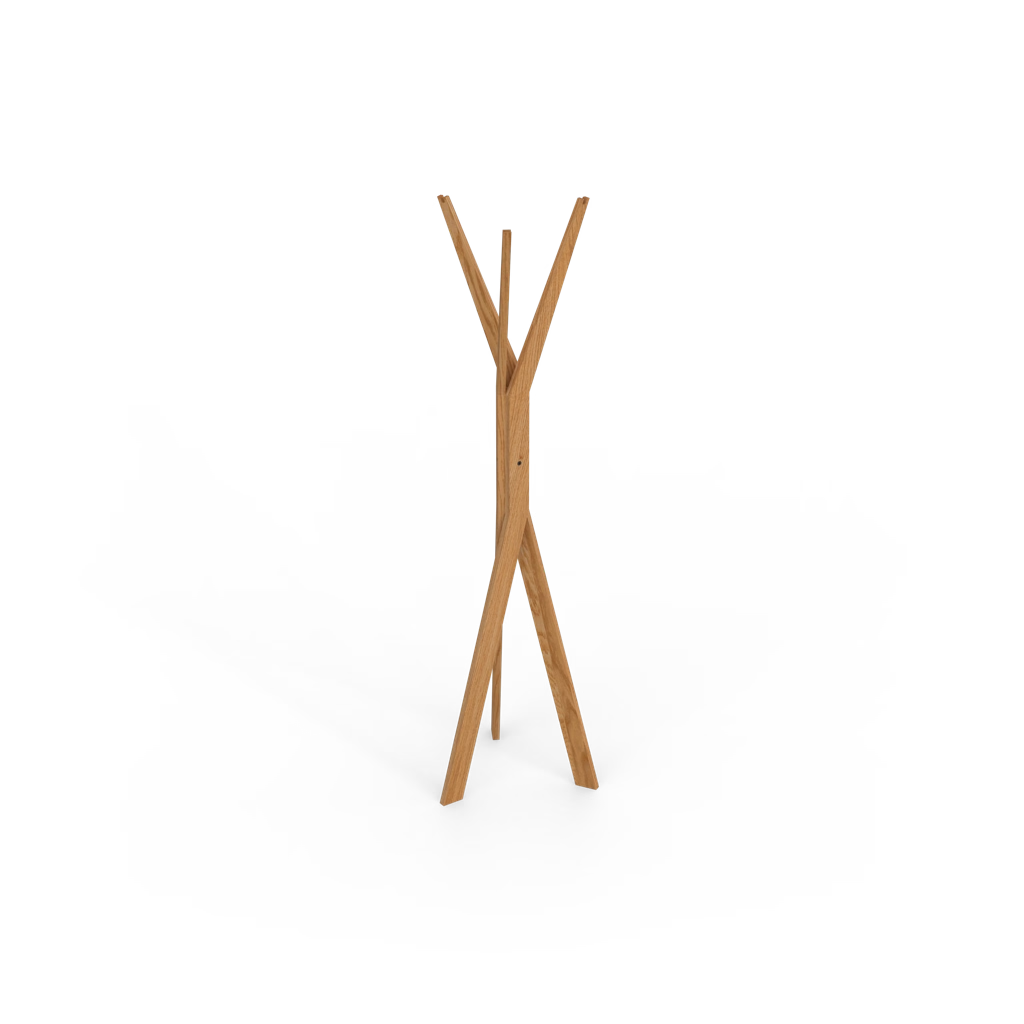
  • FORCONE

    Coat Stand

    12 colors
    Normal price
    from €329
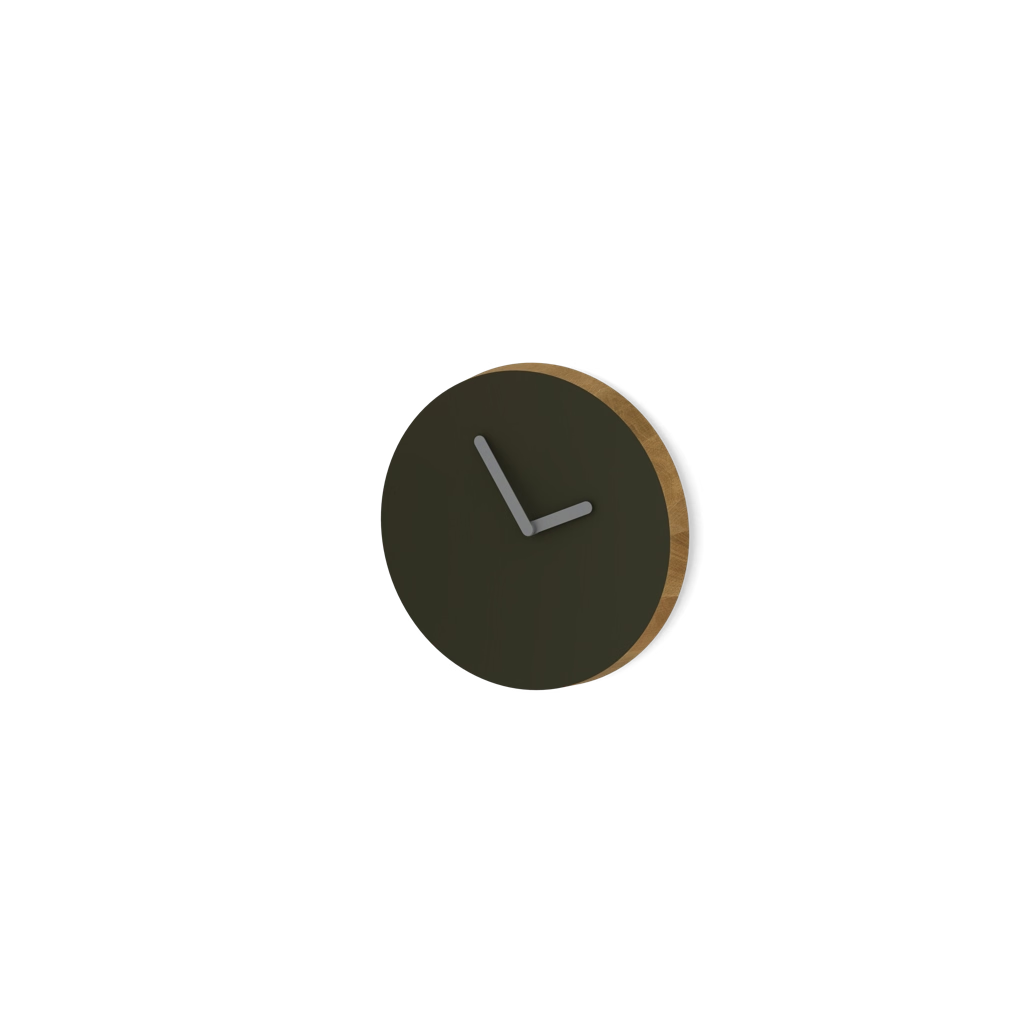
  • LUNA

    Wall-mounted Clock

    Normal price
    from €265