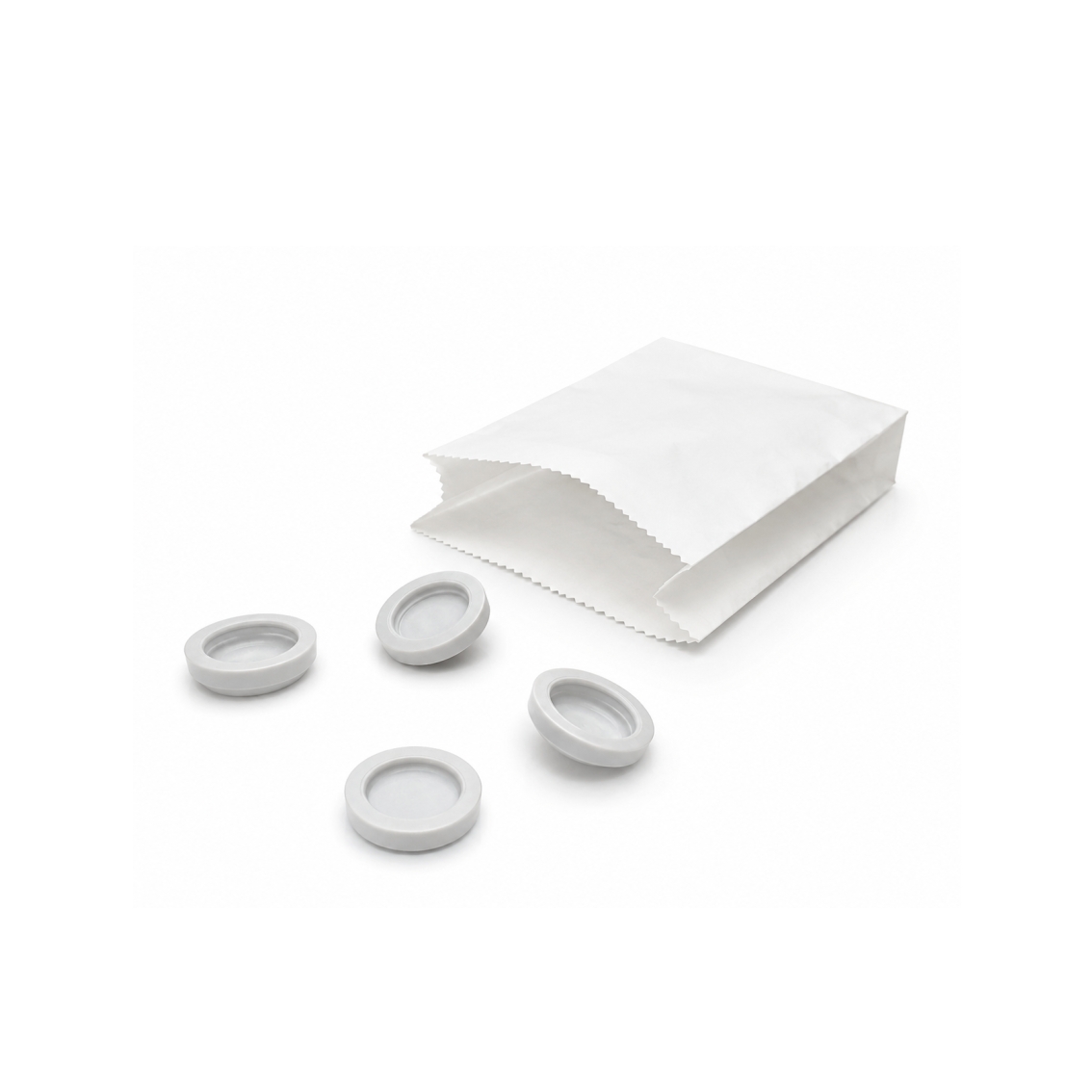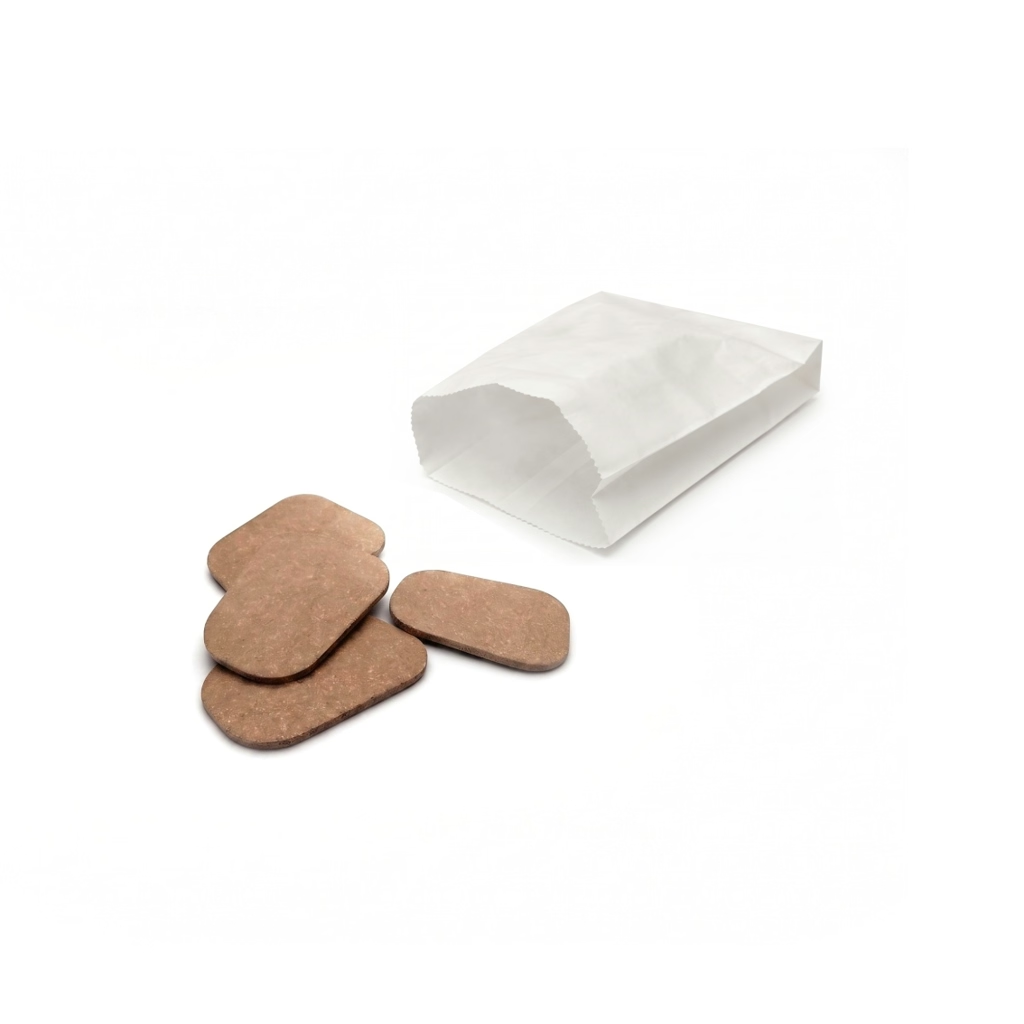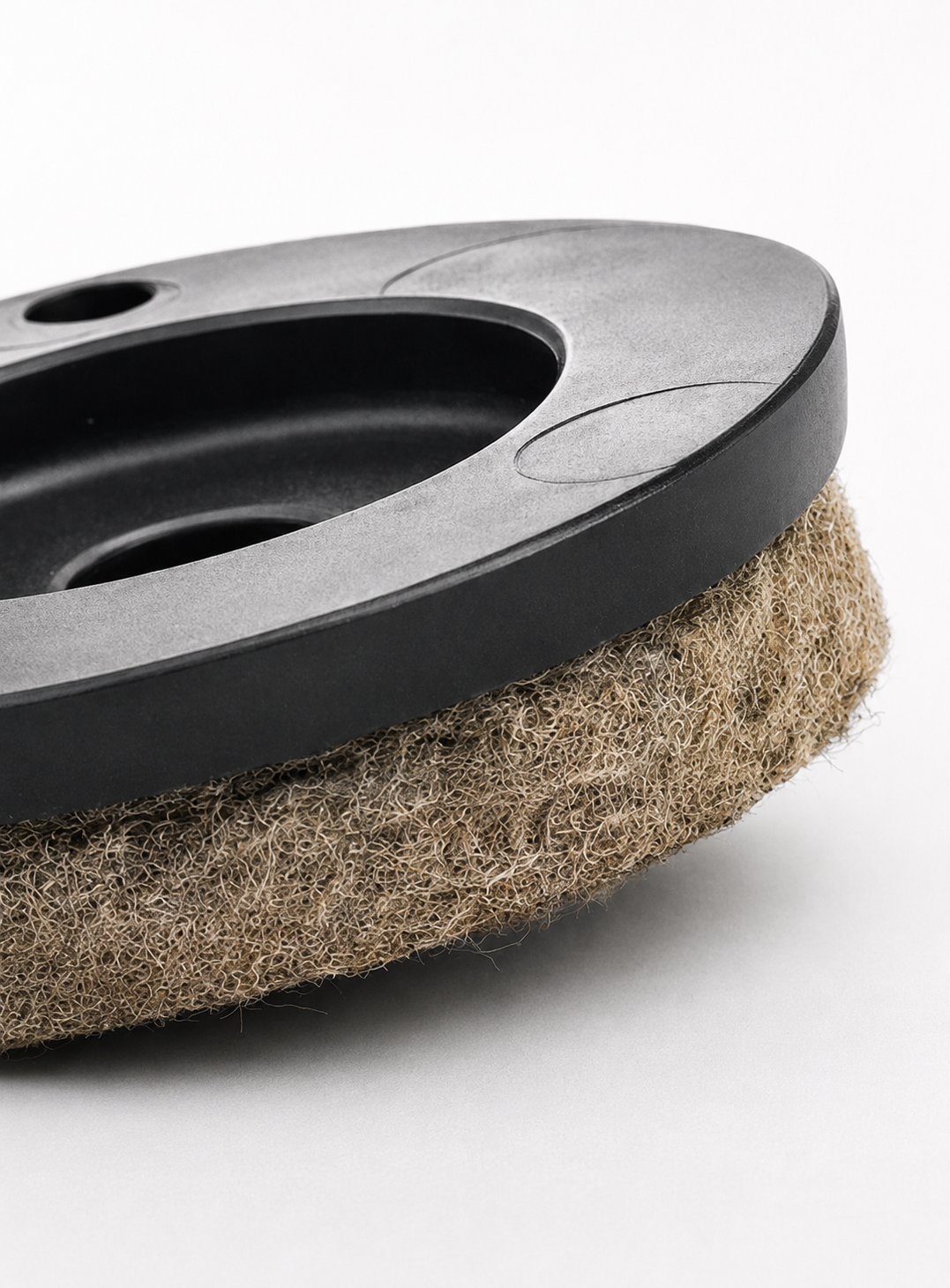
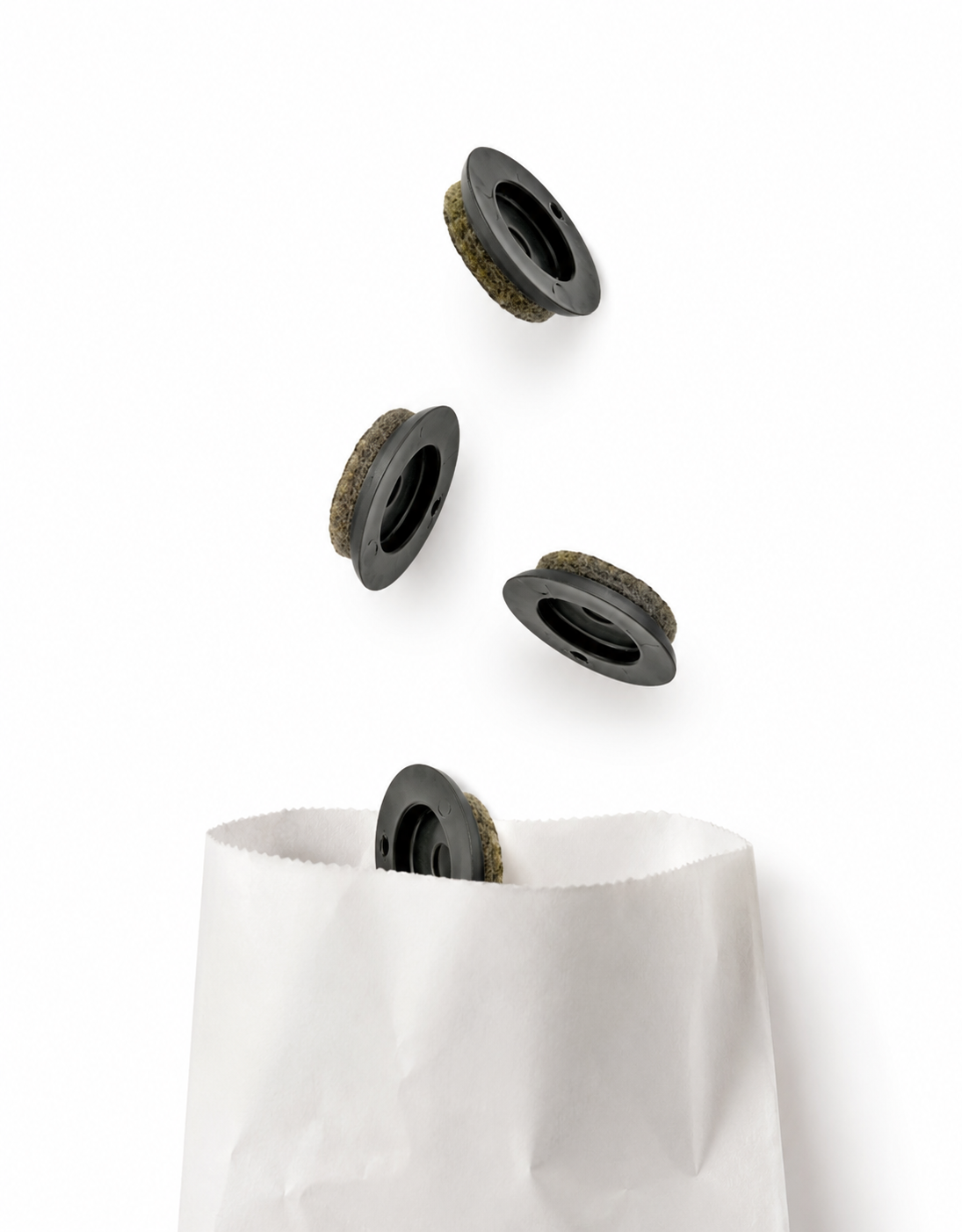
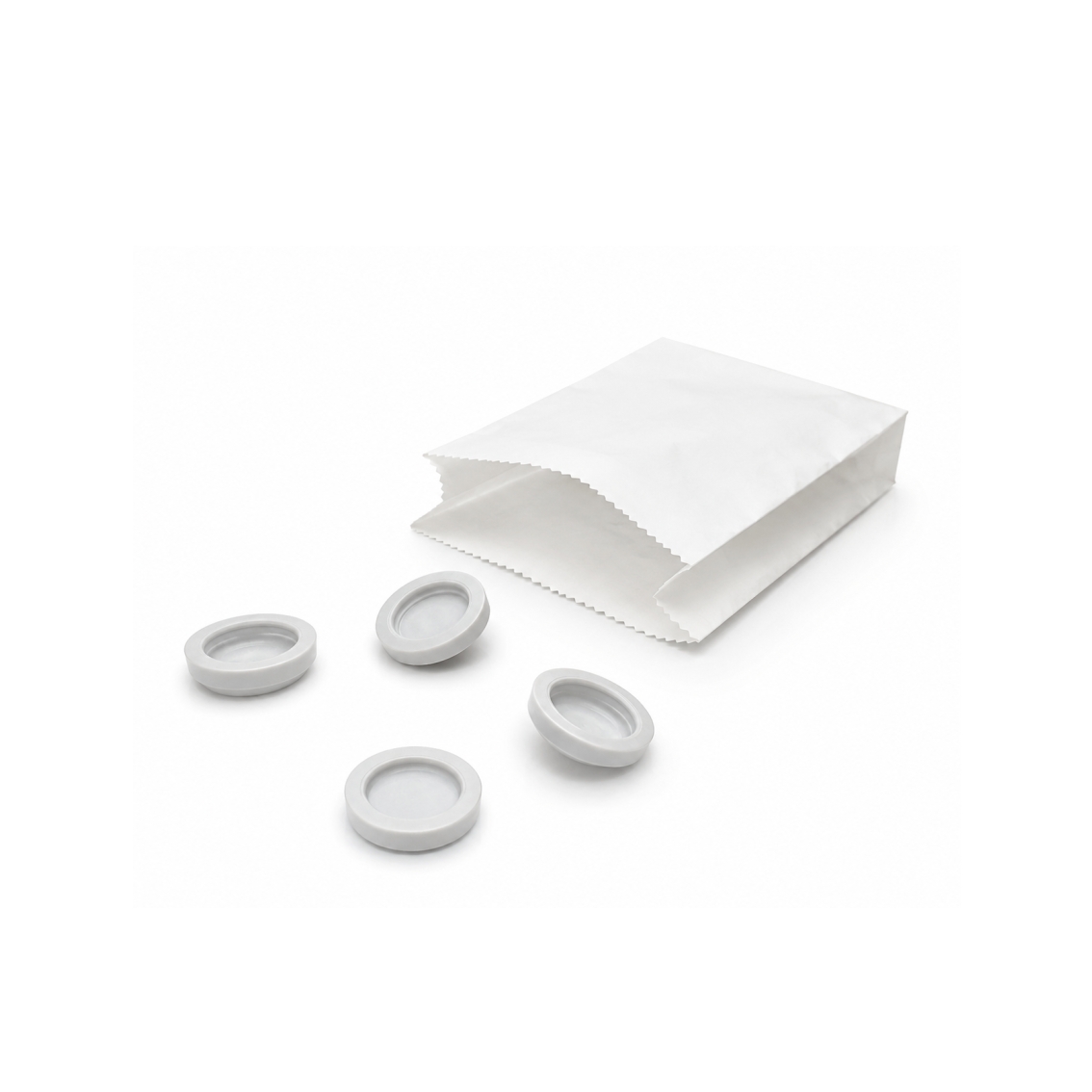
The protective glide set helps protect your floors from scratches and everyday wear, reduces noise when moving furniture, and ensures smooth, effortless movement of chairs and benches.
Choose from two glide types depending on your flooring:
Mounting system:
The glides snap onto screw-on mounting bases (mounts) attached to the underside of furniture legs. These bases hold the glides securely in place and allow for easy replacement.
Choosing the right variant:
If your furniture already has mounting bases installed, select the glide option without mounts. If not, choose the corresponding variant with mounts to receive the mounting bases as well.
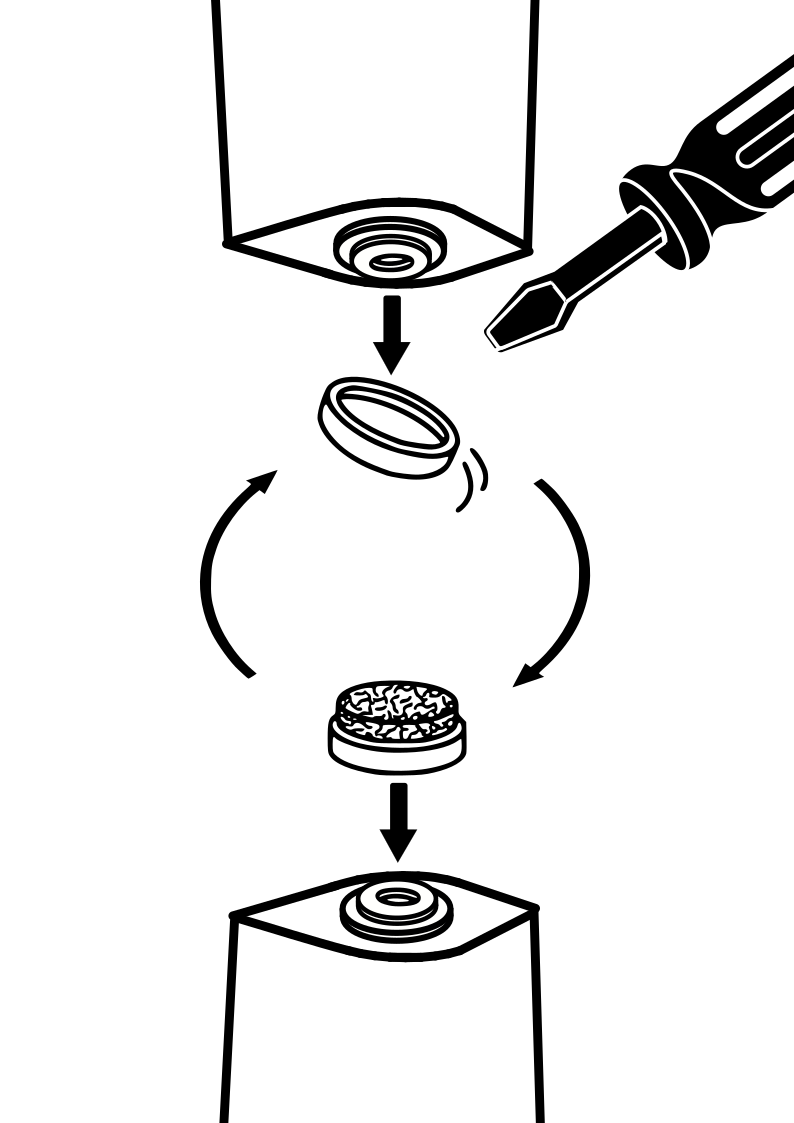
Easy replacement:
Gently lift the edge of the existing glide using a flathead screwdriver, remove it, and snap the new glide into place. The mounting base stays attached to the furniture leg, so no unscrewing is required.
Dimensions and compatibility:
Package contents:
Each set includes 4 glides. Variants with mounts include an additional 4 screw-on mounting bases.
All of our pieces are sealed with a linseed-oil & natural-wax blend (oil-wax). Here is an overview of our finishes, divided by whether they are included in the standard price or available for a surcharge:
💡 Tip: Oak naturally takes on a deeper tone over time due to UV light and oxidation. A light re-oiling every few years refreshes the colour and maintains protection.
Yes. You can order samples of all our surface finishes and upholstery fabrics here.
For larger orders and complex interior projects, we can manufacture custom products at the customer’s request.
Please consult our expert representatives to discuss your individual needs and possible solutions.
In most cases we rely on our proven standard range. Any custom design is subject to a feasibility assessment. Our broad expertise has enabled us to deliver complete interior fit-outs for both residential and commercial spaces in recent years.
Products such as chests of drawers, chairs, and TV cabinets are delivered assembled. Beds, tables, and coffee tables are delivered unassembled. However, their assembly is very simple - usually only four screws are needed (see installation). The products are packed in five-layer paper carton with special corner protection.
We are happy to arrange assembly and installation for you with our own professional team, who will take care of delivery, carrying, assembly, and of course cleaning up all the packaging and so on.
Details can be found on the Transport, delivery and installation page.
3D models are available to architects and interior designers upon login via our undefined PRO platform. You’ll find the model files directly on each product page.
SketchUp does not support FBX files by default. There are two main options to work with FBX models:
1. Using a plugin
The easiest solution is to use an importer plugin like Simlab FBX Importer, Skimp, or Transmutr. For example, after installing Simlab FBX Importer from the Extension Warehouse, you can go to Extensions → Simlab FBX Importer → Import and choose your FBX file.
2. Converting the model
If you prefer not to use a plugin, you can convert the FBX file to a SketchUp-supported format like GLB or OBJ. Several online converters allow you to do this — simply upload your FBX file, wait for the conversion, and download the result.
You can then import the converted file into SketchUp. Textures are usually preserved, and the model scale should be correct. If the model appears too large, it may have been converted using millimeters as base units — in that case, scale it down by a factor of 1000.
You May Also Like