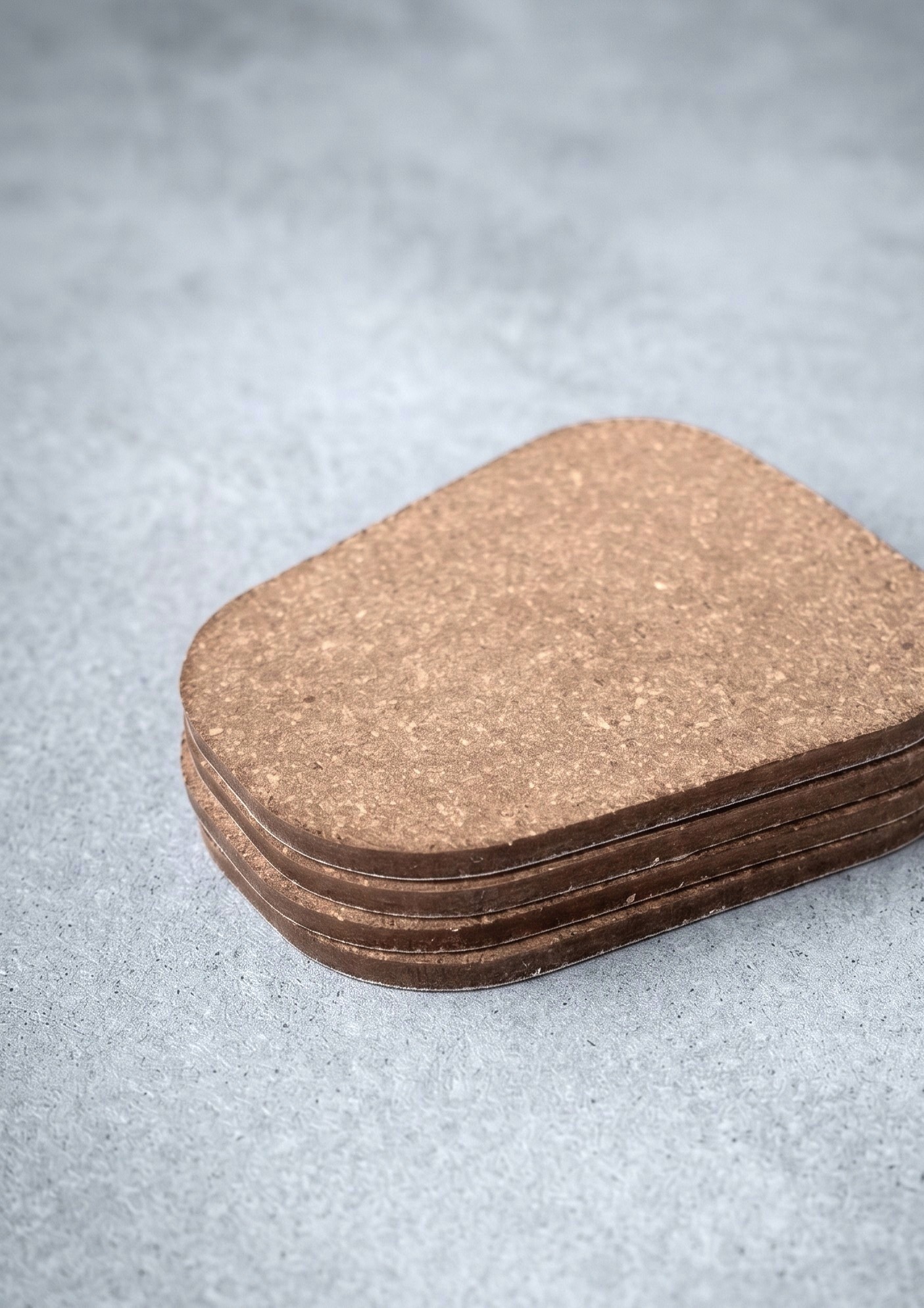
Tailor-made non-slip protection for your floors
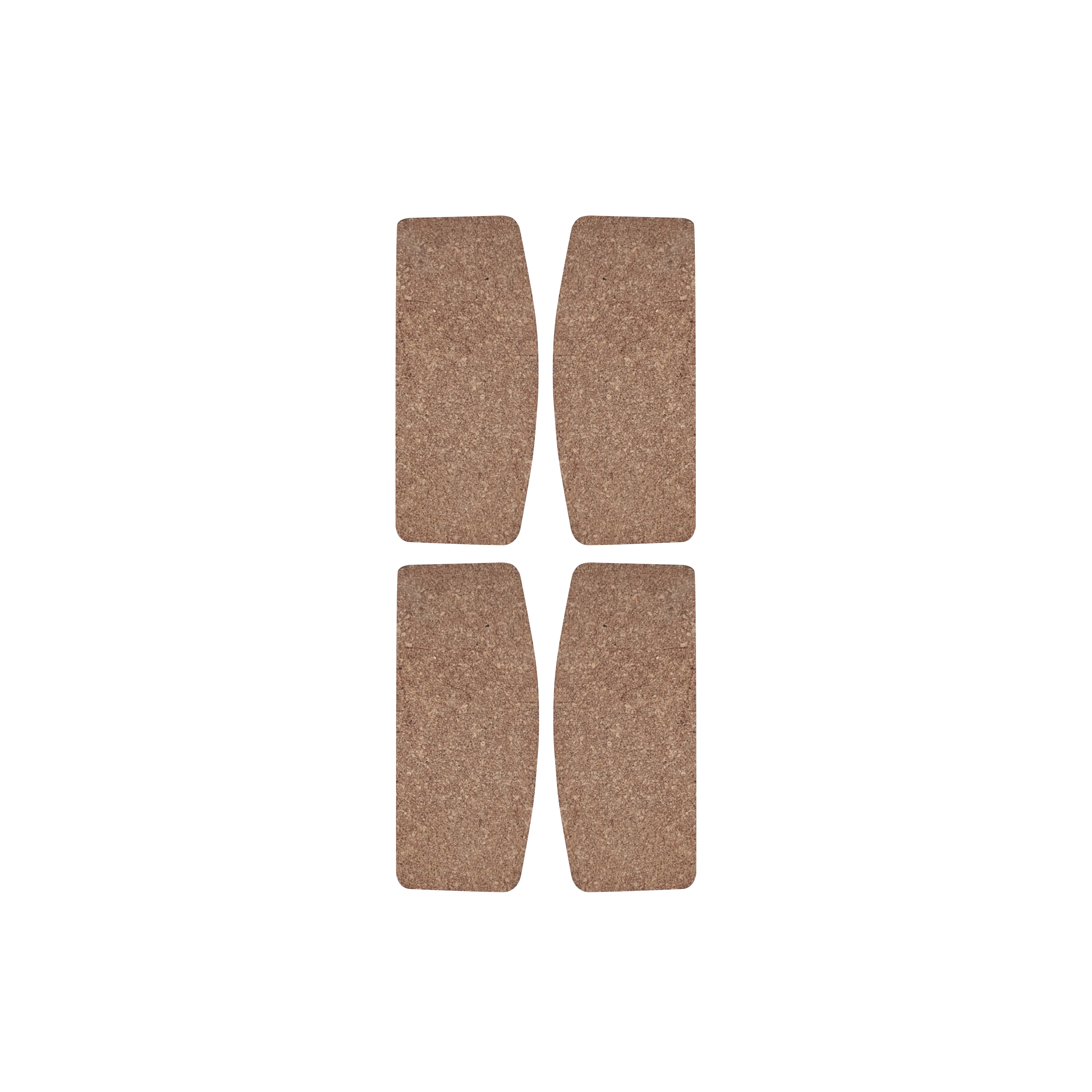
Solid oak furniture brings unmatched elegance, natural warmth, and timeless stability into your home. To ensure your hard floors remain flawless, scratch-free, and perfectly protected, we designed our custom-cut leather floor protection pads.
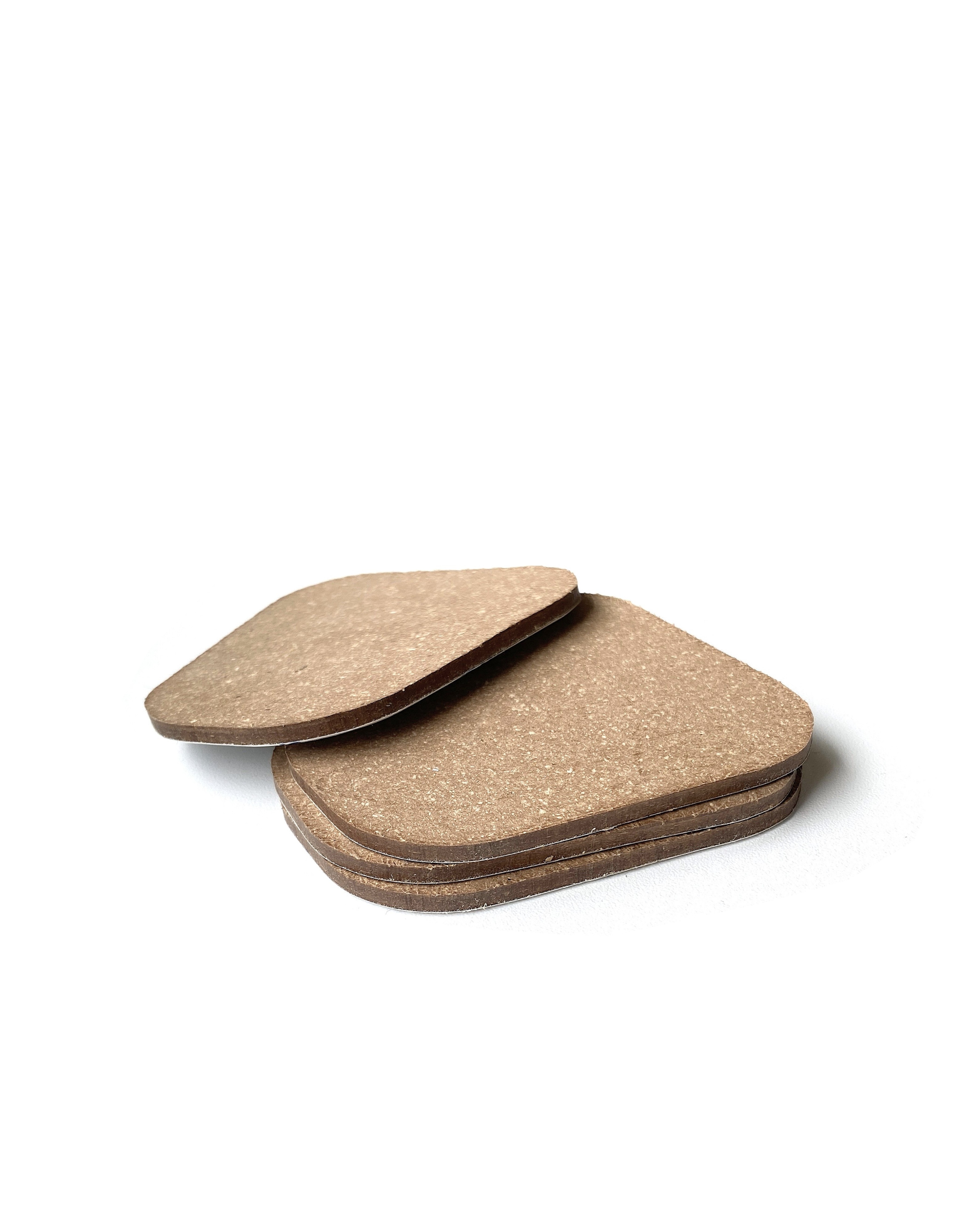
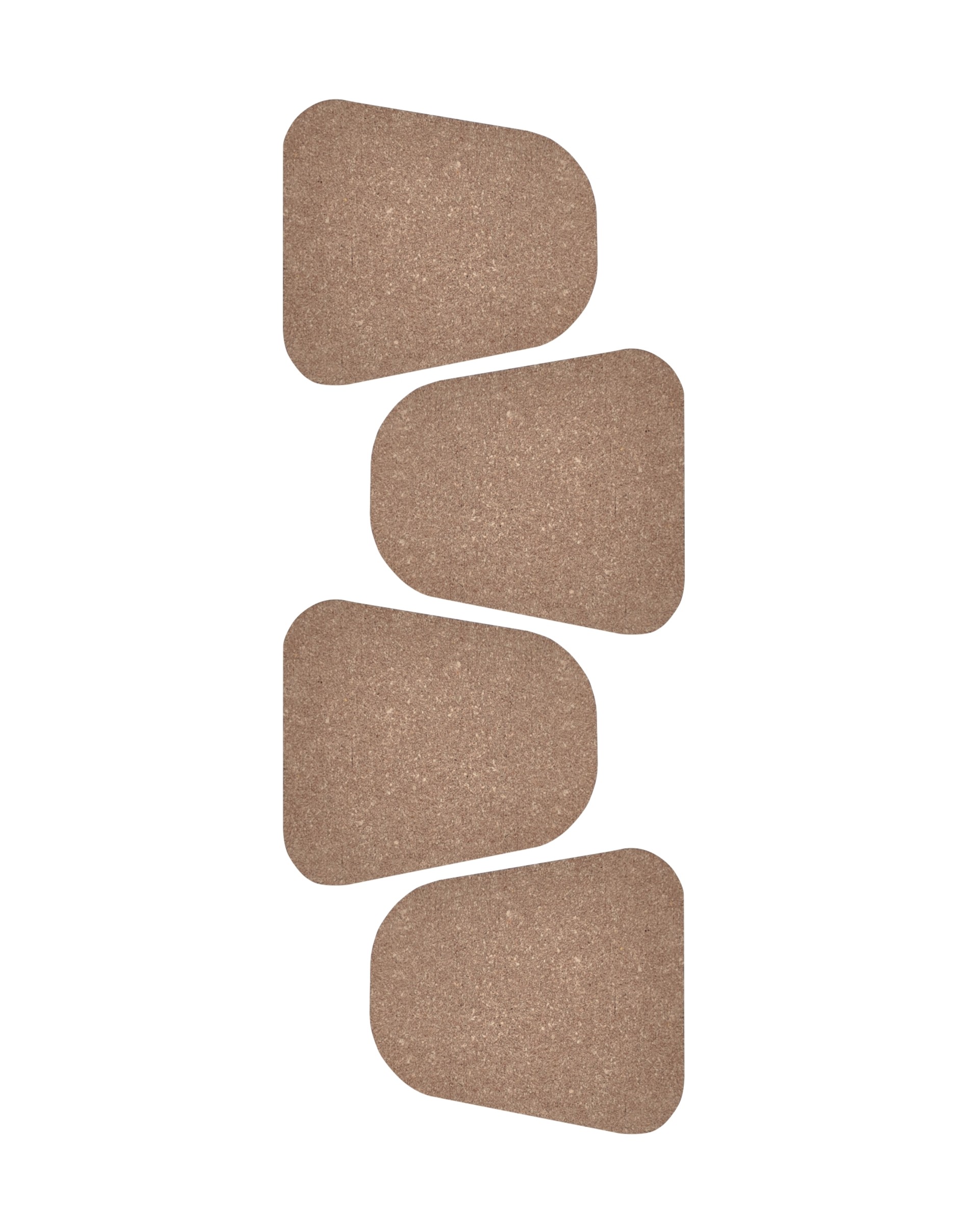
Crafted from high-end, 3 mm thick bonded leather in a refined light beige shade and backed with an industrial-grade self-adhesive layer, these pads are engineered specifically for your Beoak oak furniture. They provide the ultimate anti-slip and stabilizing solution for stationary pieces. By increasing friction, they keep your heavy furniture securely locked in place, absorbing massive weight while preventing micro-shifts that could damage your floor.
Custom-Cut for Beoak Furniture: Precision-cut to match the exact dimensions and contours of our solid oak legs and bases for a seamless, virtually invisible finish.
Anti-Slip & Heavy Stabilization: High-friction bonded leather prevents your furniture from sliding or shifting. Ideal for dining tables, beds, and heavy storage pieces.
3 mm Heavy-Duty Cushioning: Dense, high-tensile bonded leather absorbs extreme weight, preventing pressure marks and deep indentations on your flooring.
Important Usage & Installation Notice:
3 mm bonded leather – Sustainable, Heavy-Duty & Engineered Stability
For our premium floor protection pads, we selected bonded leather, which combines the organic tactile quality of natural leather with industrial endurance.
Eco-Friendly & Sustainable
Manufactured from recycled leather fibers and natural, renewable materials, aligning with Beoak’s zero-waste ecosystem.
Extreme Compressive Strength
Engineered to withstand continuous, immense weight without flattening or deforming over time.
High-Friction Anti-Slide Grid
Compressed leather provides a natural braking effect on hard floors without using sticky or damaging synthetic rubber.
High-Performance Adhesive
Backed with an industrial self-adhesive layer that bonds deeply into the grain of solid wood for permanent hold.
All of our pieces are sealed with a linseed-oil & natural-wax blend (oil-wax). Here is an overview of our finishes, divided by whether they are included in the standard price or available for a surcharge:
💡 Tip: Oak naturally takes on a deeper tone over time due to UV light and oxidation. A light re-oiling every few years refreshes the colour and maintains protection.
Yes. You can order samples of all our surface finishes and upholstery fabrics here.
For larger orders and complex interior projects, we can manufacture custom products at the customer’s request.
Please consult our expert representatives to discuss your individual needs and possible solutions.
In most cases we rely on our proven standard range. Any custom design is subject to a feasibility assessment. Our broad expertise has enabled us to deliver complete interior fit-outs for both residential and commercial spaces in recent years.
Products such as chests of drawers, chairs, and TV cabinets are delivered assembled. Beds, tables, and coffee tables are delivered unassembled. However, their assembly is very simple - usually only four screws are needed (see installation). The products are packed in five-layer paper carton with special corner protection.
We are happy to arrange assembly and installation for you with our own professional team, who will take care of delivery, carrying, assembly, and of course cleaning up all the packaging and so on.
Details can be found on the Transport, delivery and installation page.
3D models are available to architects and interior designers upon login via our undefined PRO platform. You’ll find the model files directly on each product page.
SketchUp does not support FBX files by default. There are two main options to work with FBX models:
1. Using a plugin
The easiest solution is to use an importer plugin like Simlab FBX Importer, Skimp, or Transmutr. For example, after installing Simlab FBX Importer from the Extension Warehouse, you can go to Extensions → Simlab FBX Importer → Import and choose your FBX file.
2. Converting the model
If you prefer not to use a plugin, you can convert the FBX file to a SketchUp-supported format like GLB or OBJ. Several online converters allow you to do this — simply upload your FBX file, wait for the conversion, and download the result.
You can then import the converted file into SketchUp. Textures are usually preserved, and the model scale should be correct. If the model appears too large, it may have been converted using millimeters as base units — in that case, scale it down by a factor of 1000.
You May Also Like